From the phone call to the invoice
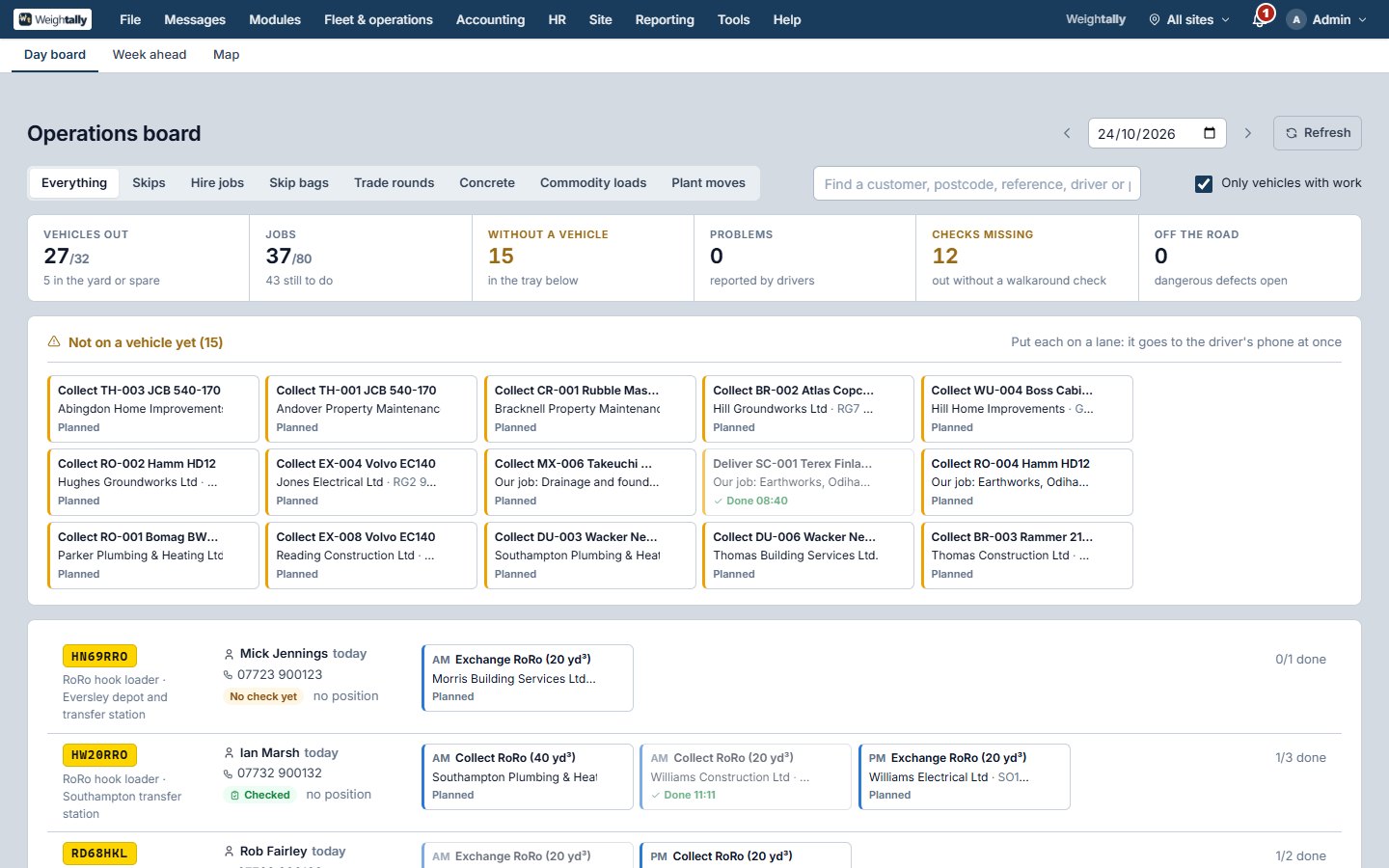
Book a skip for a customer or take the order from your website. Confirm it, and the delivery job goes on the schedule and onto the driver's phone with the ticket. Exchanges, collections and overdue hires are kept in view; reminders go out by text or email.
- Prices by size and zone, offer codes, payment on the day
- Quotes that turn into bookings
- Driver tickets on a ticket printer or the phone
- The operations board: a lane a lorry, the week ahead, the live map
Every load weighed, noted and sent to DEFRA
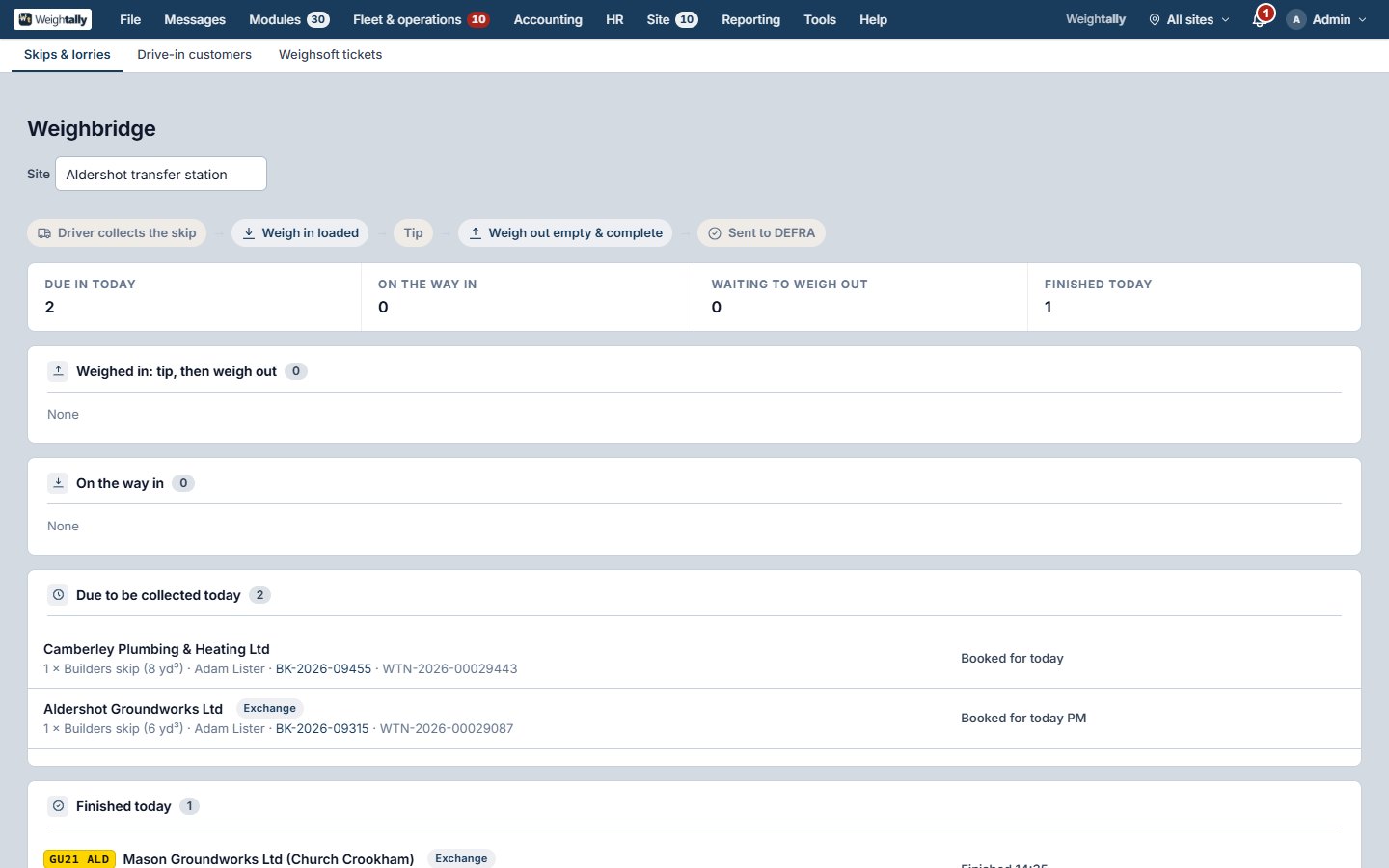
Weigh in, weigh out, charge by the tonne with a minimum, take cash or card or put it on account. The transfer note is written from the ticket, signed on screen, and sent to DEFRA's digital waste tracking service when it is ready.
- Drive-in customers and account customers
- EWC codes, R and D codes, permits per site
- Weighsoft tickets imported if you are moving from it
- A yard tablet for a site with no weighbridge
What you sell, not only what you take
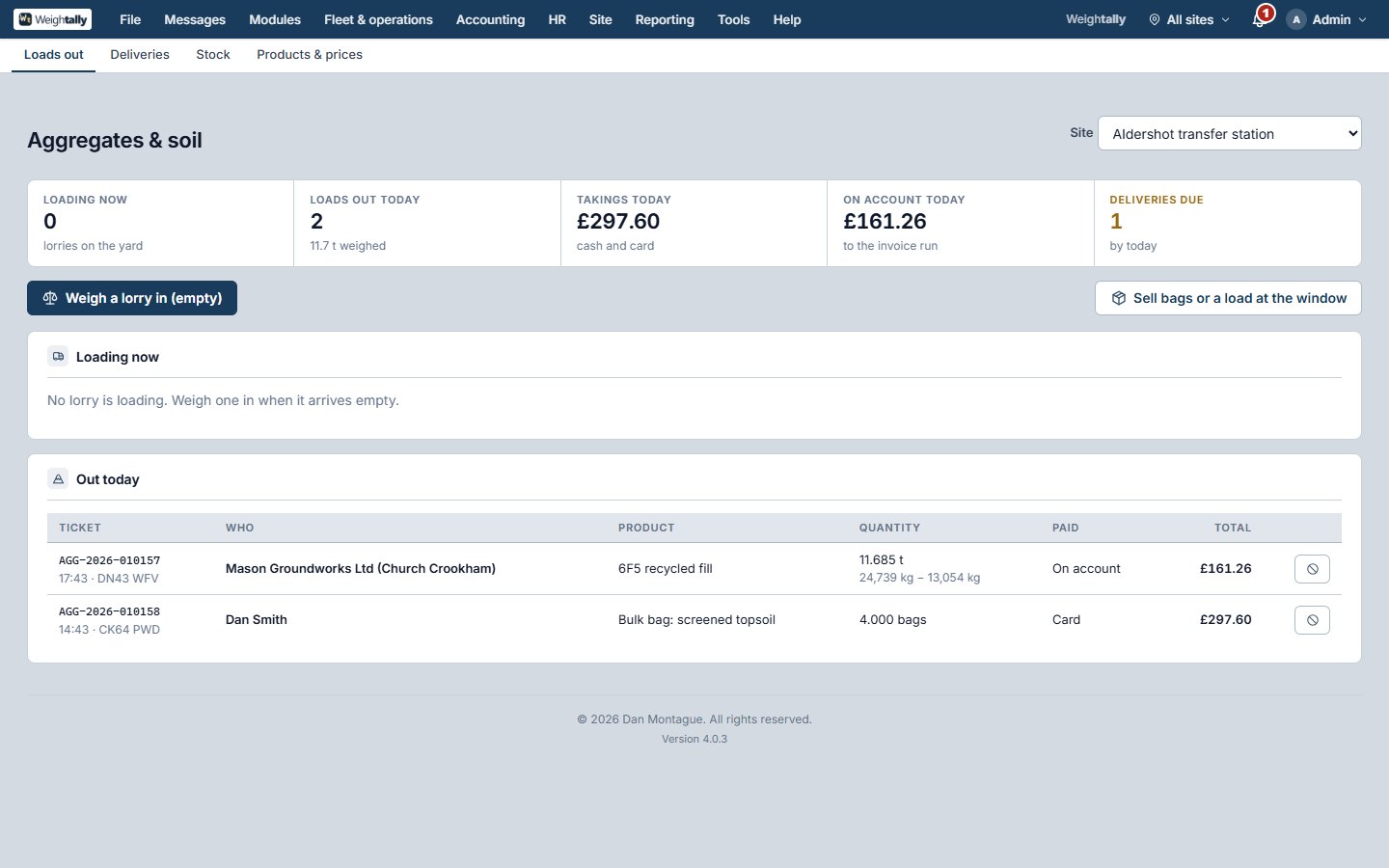
Aggregates and soil sold by the tonne, bag or load with stock per site. Ready-mix concrete by the cubic metre with batch dockets and truck mixers. Recovered materials sold on to buyers. Scrap bought at the yard by grade, with the seller's identity and bank account on record as the law asks.
- Stock per site, weighed out over the same bridge
- Batch dockets and waiting time for concrete
- Grades, prices and the seller's ID for metals
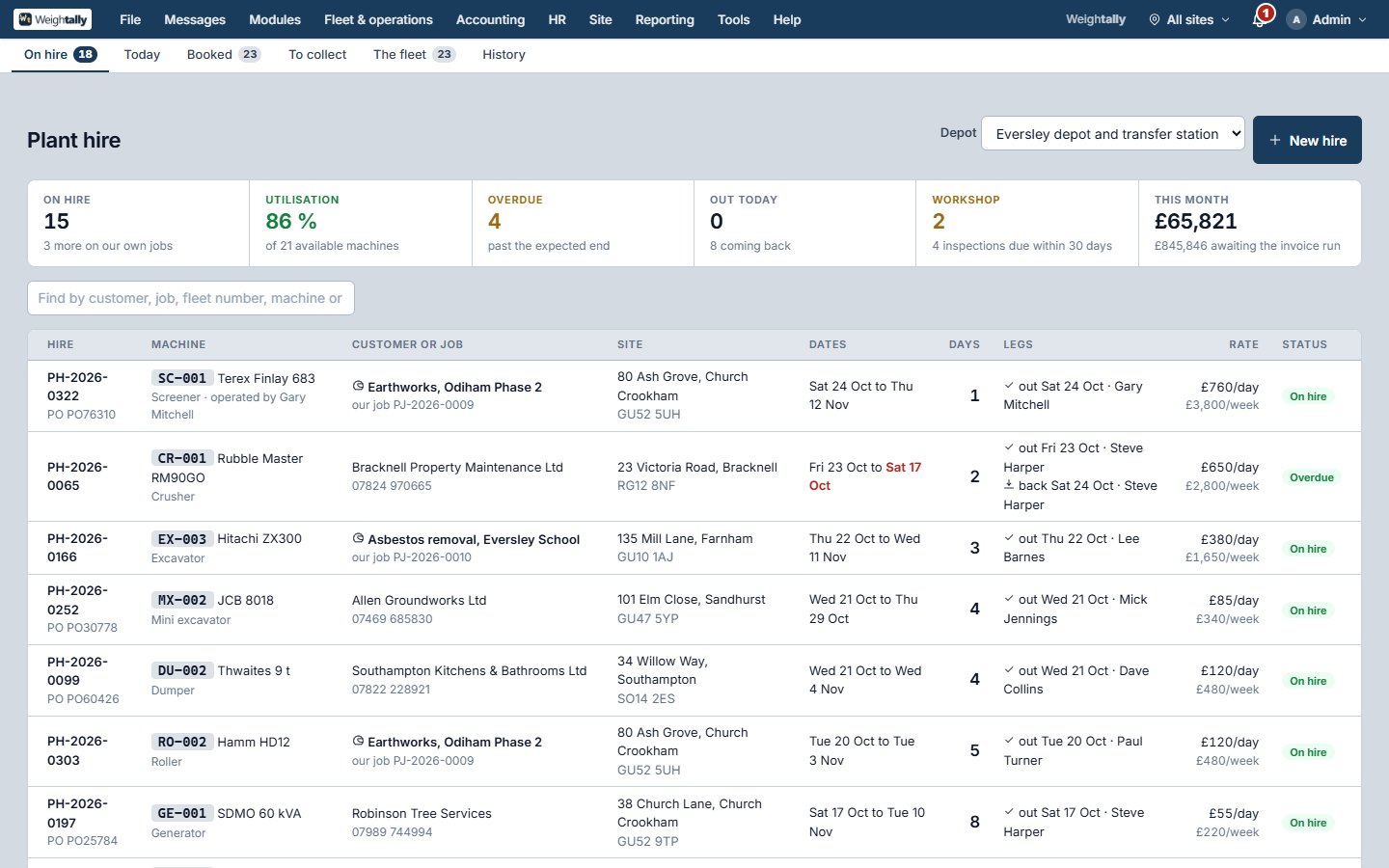
Machines out, jobs on site
Plant hired to customers or put on your own jobs, with delivery and collection legs for the drivers and off-hire charging that knows the week rate is cheaper. Projects carry budgets, costs by head, loads tipped, consignment notes and applications for payment.
- Off-hire charging by day, week and month
- Delivery and collection legs on the board
- Budgets, costs and applications per project
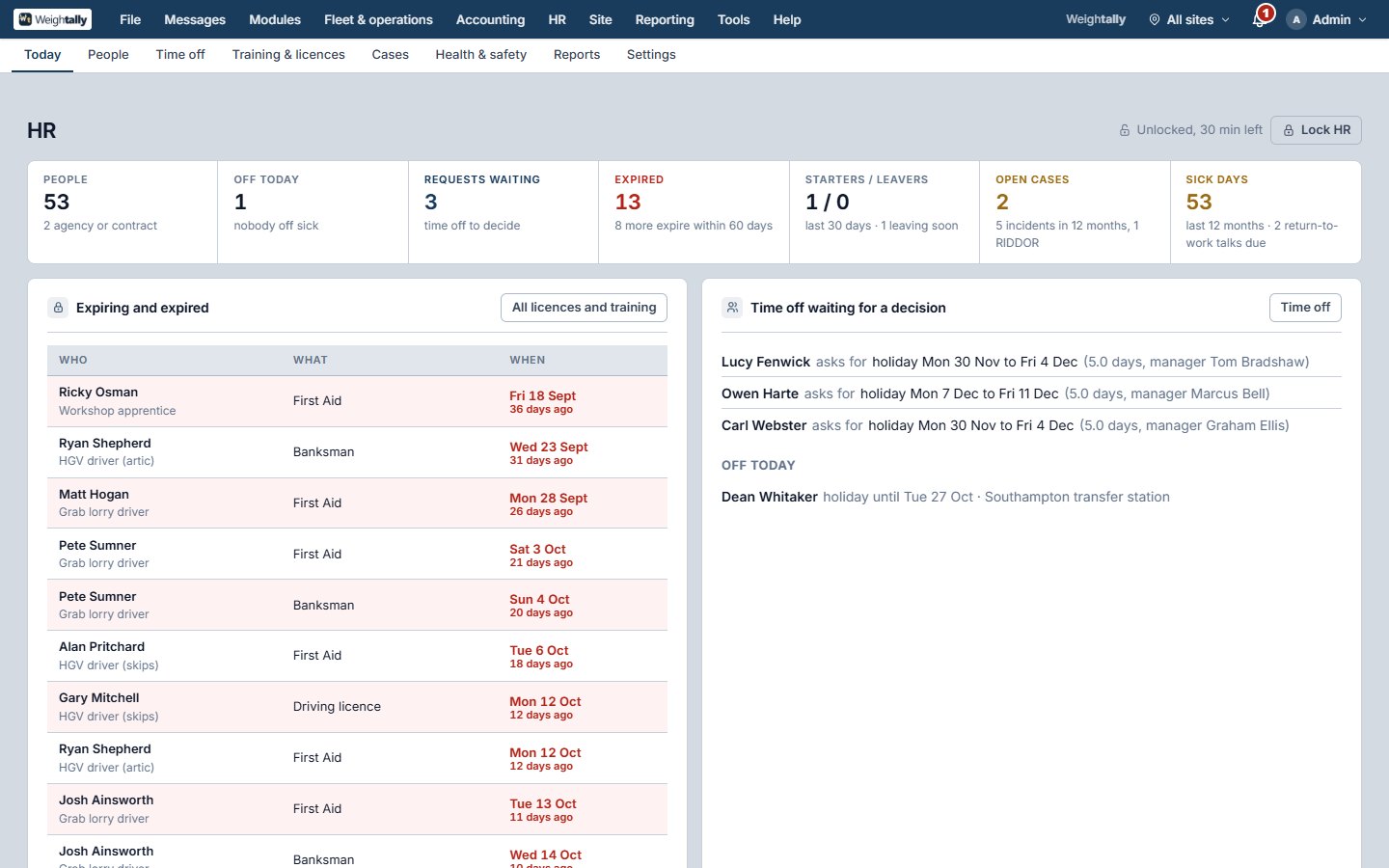
The people, behind a second password
Everyone on the books, with next of kin, the job, pay, right to work, licences, CPC, tacho cards and medicals. Holidays and sickness on a wall chart, requests from staff's own phones decided by their line manager. Training against what each department must hold. Cases, the accident book, starter and leaver checklists.
- Open only to HR managers or with the HR password
- Licences, CPC and medicals with expiry warnings
- A wall chart of who is off when
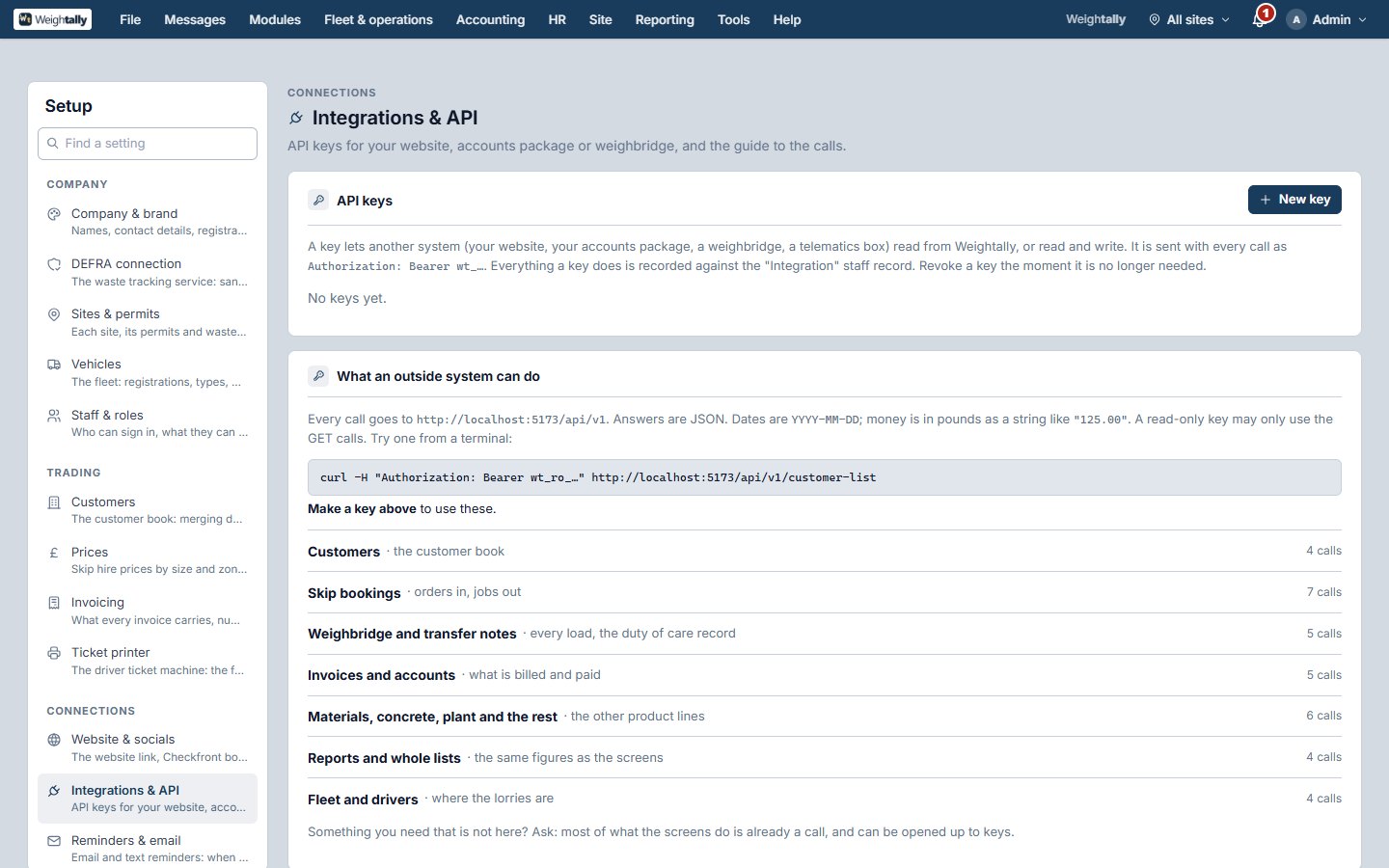
The money, the figures, the links to other systems
Invoice runs by customer and site, drafts to issue, payments, credit notes, aged debtors, VAT returns, the books with journals and a chart of accounts, and exports for Sage, Xero and QuickBooks. Every list on every screen sorts by its headings and downloads as a spreadsheet. API keys let your website, your accounts package or your weighbridge talk to it directly.
- Invoice runs, aged debtors, VAT returns
- Double-entry books per company
- A read-only sign-in for your accountant or auditor
- API keys you make yourself, with a plain guide
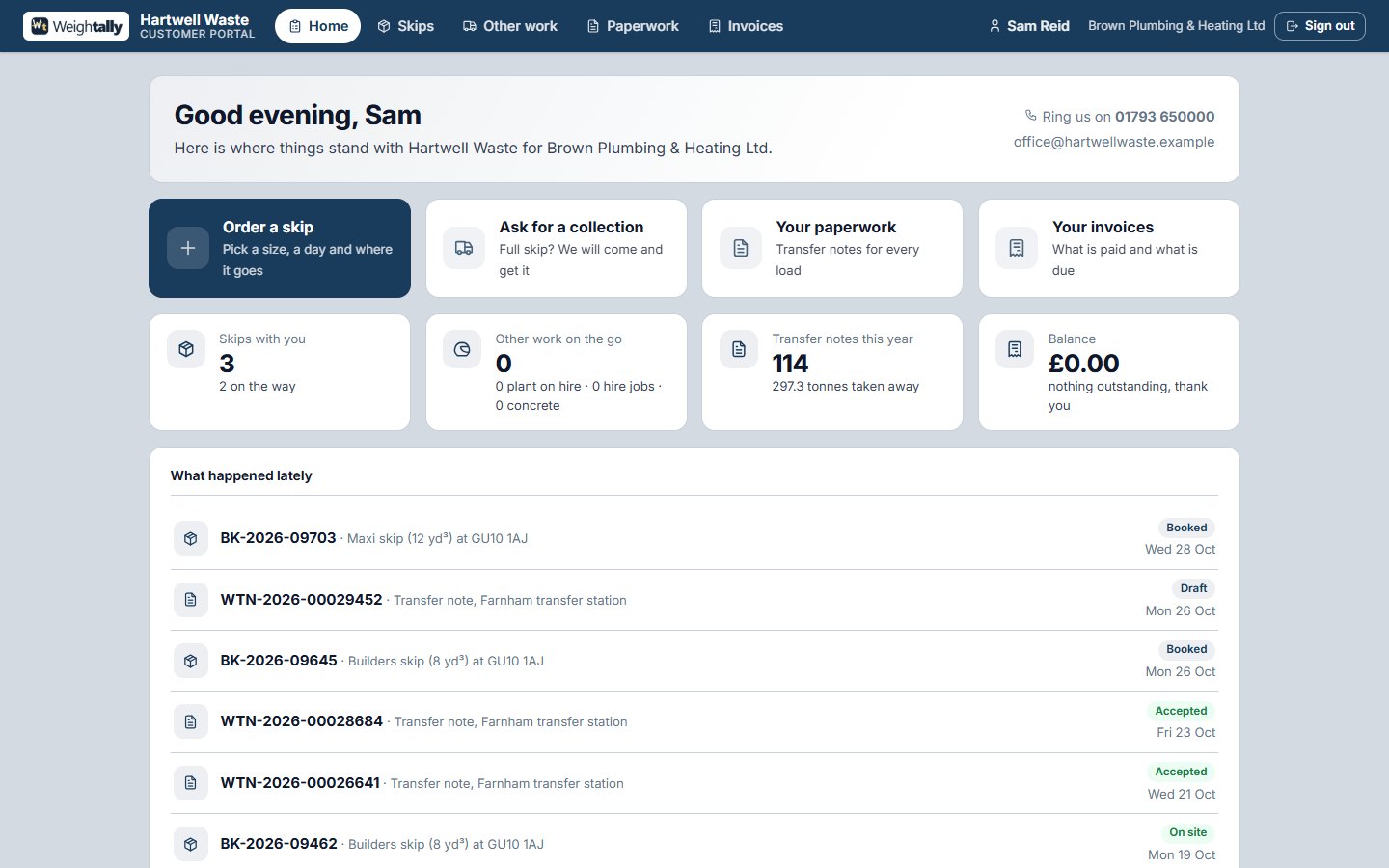
Your customers, helping themselves
Account customers sign in to a page in your colours: what is on site and on the way, every transfer note and invoice to download, and a form to order a skip or ask for a collection against their own prices. It lands with your office to confirm.
- Your logo, colours and photos
- Orders and collection requests into the office
- Paperwork without a phone call
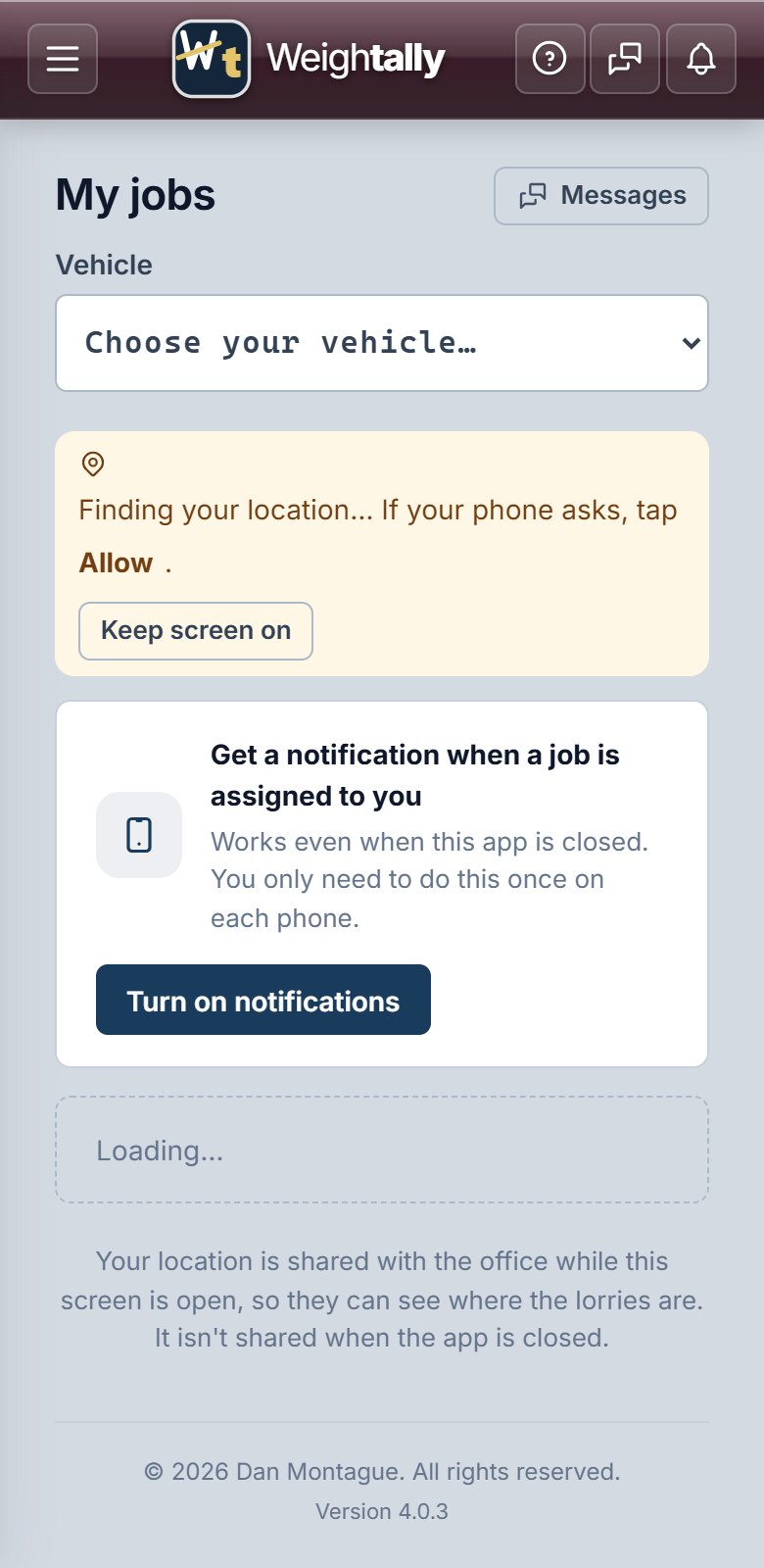
An app for the cab
Each driver sees their jobs for the day, in order, with the customer's phone number and the site. Walk-round checks with defects photographed, delivery and collection confirmed with a photo, fuel entered, their position on the office map.
- Android app, or the same screens in the phone's browser
- Walk-round checks and defects
- Photos on delivery and collection